Are You Overcomplicating Your Personal Site?
If you’re a developer, there’s a good chance your personal site is hosted on Vercel.
I did that too.
Not because I needed it - just because it felt like the default.
That’s the thing: modern web dev runs on “stack by habit”. This lately means Next.js + Vercel.. even when all you need is a static page.
Don’t get me wrong, Vercel and Next.js are great. Seriously.
But for a personal site (a blog, a portfolio) it’s often solving problems you don’t have:
- server-side rendering
- edge functions
- dynamic APIs
If your site is mostly content, updates once a month, you don’t need a server.
You don’t need a server
You just need to serve files.
Static Sites Are Enough (and often better)
Remember when static HTML files with a bit of CSS was all you needed?
Today, with all the tools we have, it’s easy to lose that mindset. We tend to overcomplicate things and spend hours to optimize problems that should not exists.
Simplicity works.
If you go with a static you’ve got a few solid options, from minimal tools to full frameworks.
| Tool | Best For |
|---|---|
| Astro | Content-focused sites with minimal JavaScript by default |
| Hugo | Blazing fast static sites, no JavaScript needed |
| Jekyll | The original GitHub Pages static site generator |
| Gatsby | React-based static sites with plugins |
| 11ty | Simple, flexible static site generator |
| Next.js | Full-featured React apps with SSR |
| SvelteKit | If you prefer Svelte’s syntax |
| WordPress | If you really want zero code |
Most of these will generate static files. Some will try to do a lot more.
For a personal site, you probably don’t need the “more”.
Why Astro?
Astro builds your site into plain HTML files. No server, no database, no runtime. Your site loads instantly from a CDN.
The “zero JavaScript by default” approach means your site works without JavaScript, scores great on performance metrics, and is cheap to host.
I chose Astro over other options for good reasons:
-
Content Collections
Type-safe markdown/mdx for blog posts and projects
-
Islands Architecture
Only ship JavaScript when you need it
-
Great Developer Experience
Hot reload, built-in routing, great TypeScript support
-
Flexible
Works with React, Vue, Svelte if you need interactivity
-
Fast
Consistently scores 100 on Lighthouse performance
-
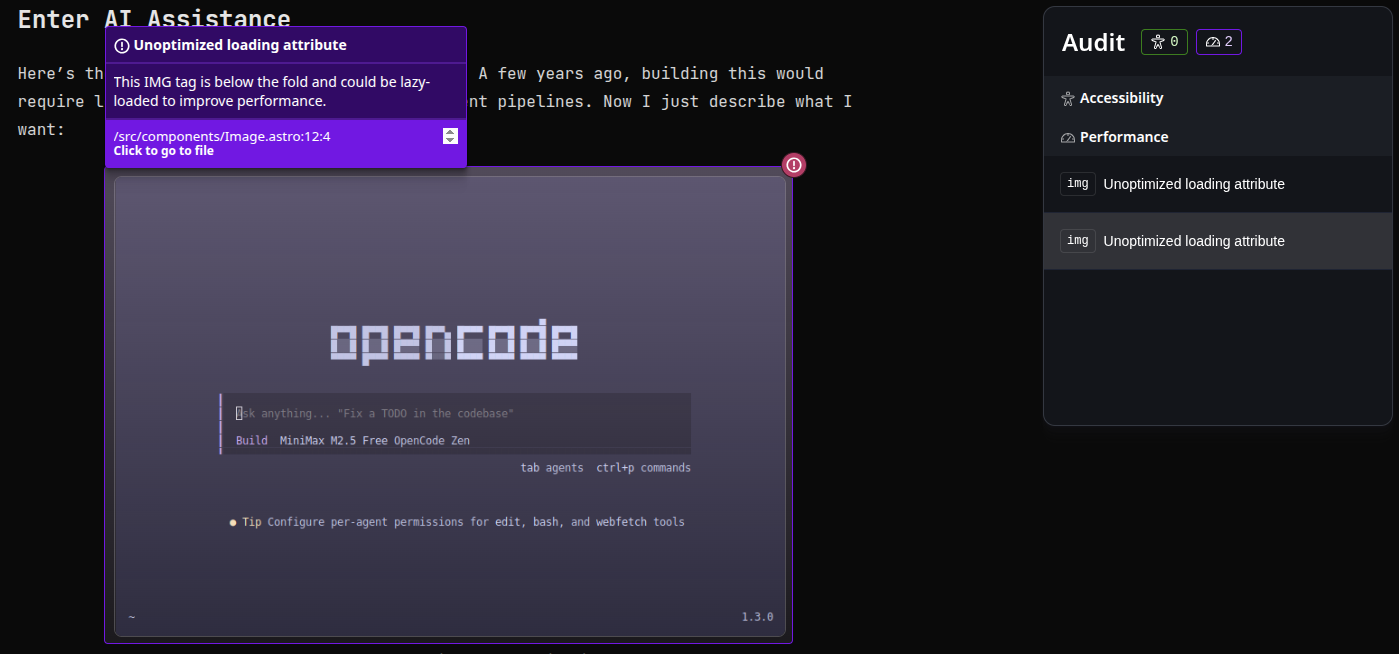
Dev Toolbar
Built-in debugging, audit, and performance tools
The Dev Toolbar
Astro comes with a game-changing Dev Toolbar - a floating panel that appears when you run pnpm dev:
-
Audit
Automatically checks for accessibility, SEO, and performance issues
-
Inspect
Click any element to see its Astro component source
It’s like having Chrome DevTools built specifically for Astro. No setup required - it just works.
Why Astro beats the alternatives
vs Next.js: Astro ships zero JavaScript by default. Next.js sends React to the client even for static pages. For a blog or portfolio, that’s overkill.
vs Hugo: Hugo is incredibly fast but uses Go templates which most developers don’t know. Astro uses familiar HTML/CSS/JS patterns and TypeScript.
vs Jekyll: Jekyll is simple and GitHub-friendly, but Astro brings modern tooling, TypeScript support, and active development to static sites.
vs 11ty: 11ty is flexible but requires more setup for common features. Astro gives you routing, image optimization, and content collections out of the box.
vs Gatsby: Gatsby relies heavily on GraphQL and has become bloated. Astro is simpler and faster.
For a content-focused site like a blog or portfolio, Astro hits the sweet spot: modern developer experience, excellent performance, and just enough flexibility.
Hosting Options
- GitHub Pages - Zero cost, instant deploys from your repo
- Cloudflare Pages - Free tier with global CDN, great performance
- AWS S3 + CloudFront - Pay per use, rock-solid reliability, free tier is generous
- VPS - Can serve hundereds of static sites, but requires more maintenance and reliability considerations
For most personal sites, GitHub Pages or Cloudflare Pages is plenty. AWS S3 is free for the first year and has excellent free tier after that. But if you want to learn and have time for maintenence go with a VPS.
What You Get
Static sites give you:
- Performance - CDN-hosted, instant loads globally
- Control - Every line of code is yours
- Flexibility - No platform lock-in, migrate anytime
- Learning - Every change teaches you something
- Simplicity - No database, no server management, just files
Is This for You?
This approach works if you want:
- Full control over your code
- Don’t mind to use mdx and git for new content
- A fast, modern site
It might not be for you if you want zero maintenance or don’t care about customization.
Try It
Next time you start a personal project, don’t reach for the default stack immediately. Start with something simpler. You might realize you never needed the complexity in the first place.
Check out the source code of this page on GitHub to see how simple it really is.